









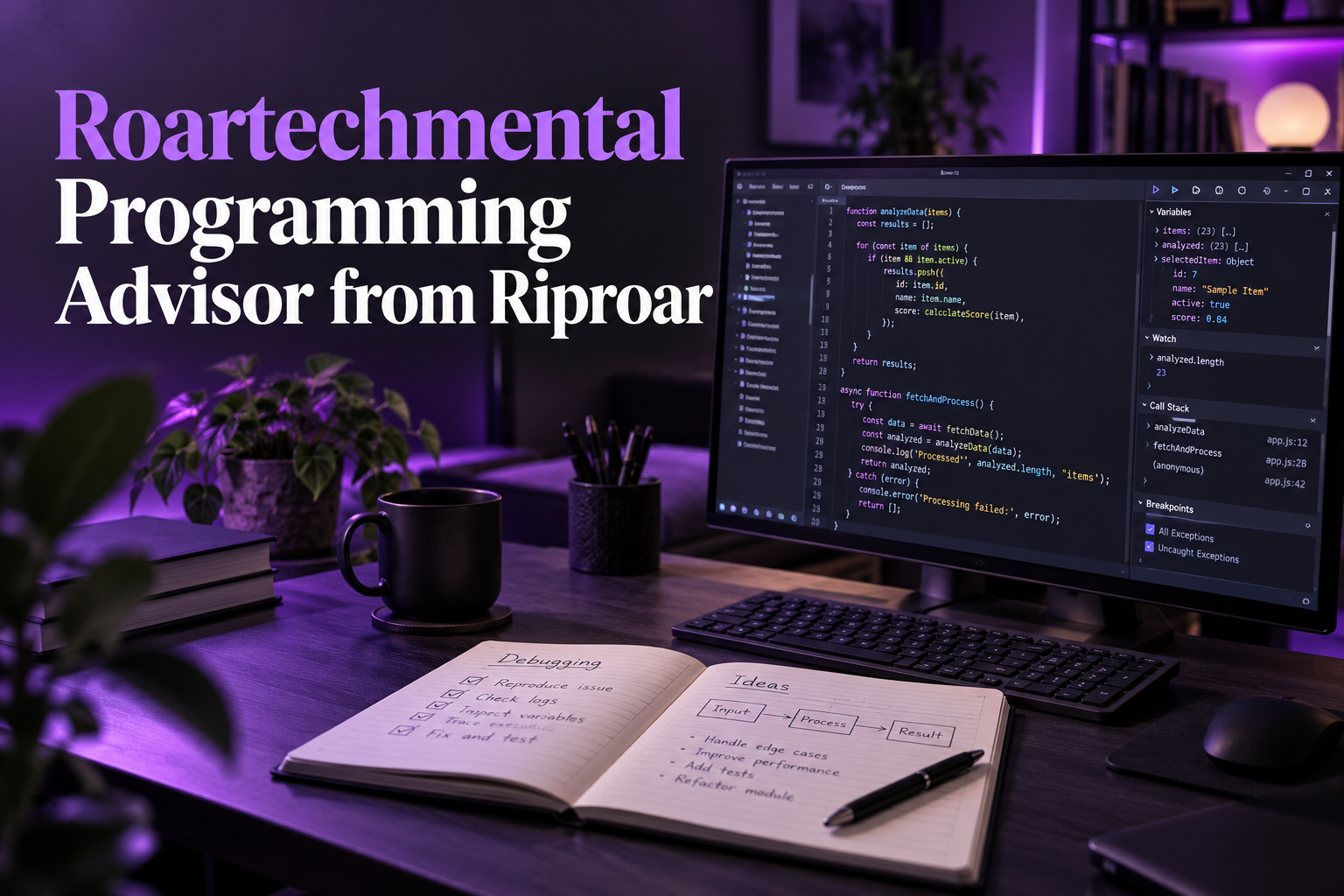
Roartechmental Programming Advisor from Riproar explains a practical way to approach programming problems: reproduce the issue, inspect the environment, make a focused change and verify the result. It is an editorial guide rather than a verified downloadable coding assistant or a separate programming language.
Use Roartechmental Programming Advisor from Riproar to define the problem
Write down the expected behavior and what actually happened. Include the smallest input that reproduces the issue and the relevant error message. A clear problem statement prevents time being spent rewriting code that was not responsible for the failure.
Keep private tokens, passwords and customer information out of shared examples. Replace sensitive values with representative placeholders while preserving the structure needed to reproduce the problem. If an issue cannot be demonstrated without production access, design a controlled test before changing a live system.
Check the interpreter and dependencies
An application can fail because it is running in a different environment from the one in which its dependencies were installed. Check the interpreter, package versions and working directory before assuming the algorithm is wrong. An import failure is a useful clue about the environment, not a reason to download an unexplained replacement executable.
The Python tutorial’s virtual environment guide explains how separate projects can maintain different package installations. The Python Packaging User Guide provides the installation workflow. Use documentation matching the version and platform you actually run.
Read the error before suppressing it
Python’s errors and exceptions tutorial distinguishes parsing problems from exceptions raised during execution. A traceback provides the context and exception type needed to narrow the investigation. The place where an error is detected is not always the original cause.
For a hypothetical file-processing script, a missing file can have several explanations: an incorrect path, the wrong working directory or an absent input. Printing a generic success message in an exception handler would conceal the failure. Handle expected cases explicitly and allow unexpected problems to remain visible through appropriate reporting.
Verify the change with meaningful cases
Change the smallest relevant part and test the original failure again. Then check nearby cases such as empty input, malformed values and repeated requests. A successful run on one convenient input is insufficient when the program must handle varied real data.
If using AI assistance, ask it to explain the proposed change and compare the answer with current library documentation. Review generated code for file writes, network calls and credential handling before running it. Keep a recoverable copy of the original work so a mistaken suggestion does not turn a small bug into a larger loss.
Frequently asked questions
Is this a downloadable programming advisor?
No. This article provides a workflow and does not verify a separate software product under that name.
Why use a virtual environment?
It keeps project package installations separate and helps avoid conflicting dependency requirements.
Should I hide every exception?
No. Handle expected errors deliberately and report unexpected failures so their causes can be investigated.
Can AI-generated code be used without checking it?
Review and test it first, especially when it accesses files, networks, credentials or important data.
Sources
Related reading
Roartechmental Tech Infoguide by Riproar; Salesforce API Riproar Types Integration.